

Dynamic Touchpad
Set it to play or pause music, or trigger a chosen action, without opening your phone.
FocusField by ClearZone
A small device that creates a Focus Zone around it. Walk in and the apps you choose are blocked automatically. Walk out and your usual access returns.
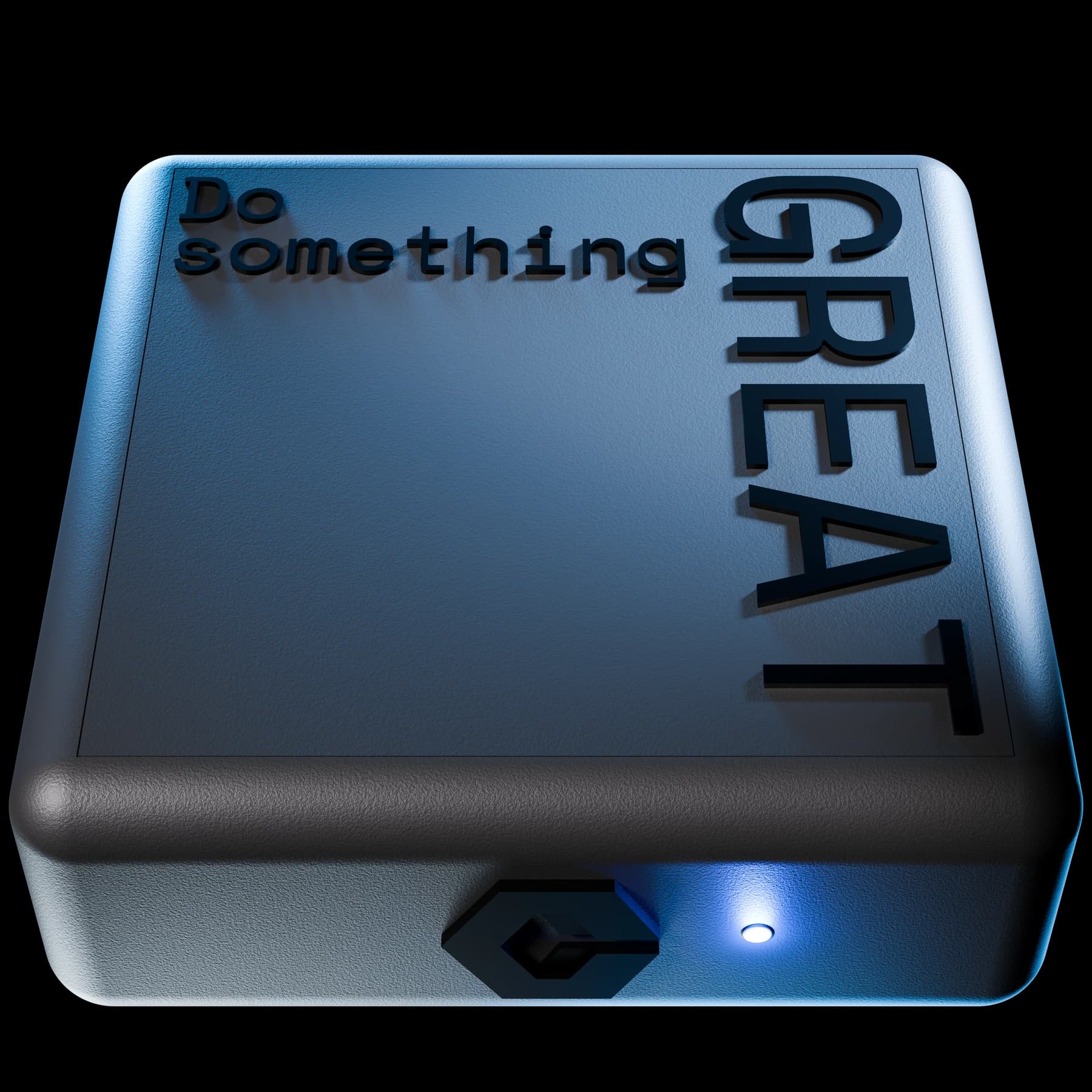
How FocusField works
A Focus Zone around a little device. Step inside and your chosen distractions block automatically.
Pair in the free ClearZone app. Choose the apps to block and set your zone.
From a desk to a room: about 20 cm–10 m.

Your chosen apps block automatically. No taps. No app to open.
Keep calls, music and maps available.

Your apps return automatically after leaving the zone.
Walk back in to focus again.
Pair in the free ClearZone app. Choose the apps to block and set your zone. From a desk to a room: about 20 cm–10 m.
Your chosen apps block automatically. No taps. No app to open. Keep calls, music and maps available.
Your apps return automatically after leaving the zone. Walk back in to focus again.
Proximity is illustrated; actual range varies. Only paired phones are affected. Exit timing is accelerated.
Use arrow keys, Home and End. Enter or Space switches sides. The button below also moves the phone.
A little less willpower.
A little more you.

Room for a breather
Take five. Stay here.
Turn FocusField over for a break of up to five minutes. Flip it back whenever you’re ready to focus again.
Focus resumes automatically. After a full break, wait twenty minutes before starting another with a fresh flip.
Reminders ask you to resist. Manual blockers ask you to remember. FocusField makes showing up enough.
An alert asks you to stop. You still have to say no, right when you want to keep scrolling.
Physical friction helps. But remembering to start the session is still on you.

Set your rules once. Walk into your space. Your selected apps are blocked automatically.
FocusFieldDesign notes / 01–05
Designed in-house.
From the shape in your hand
to the way it responds.
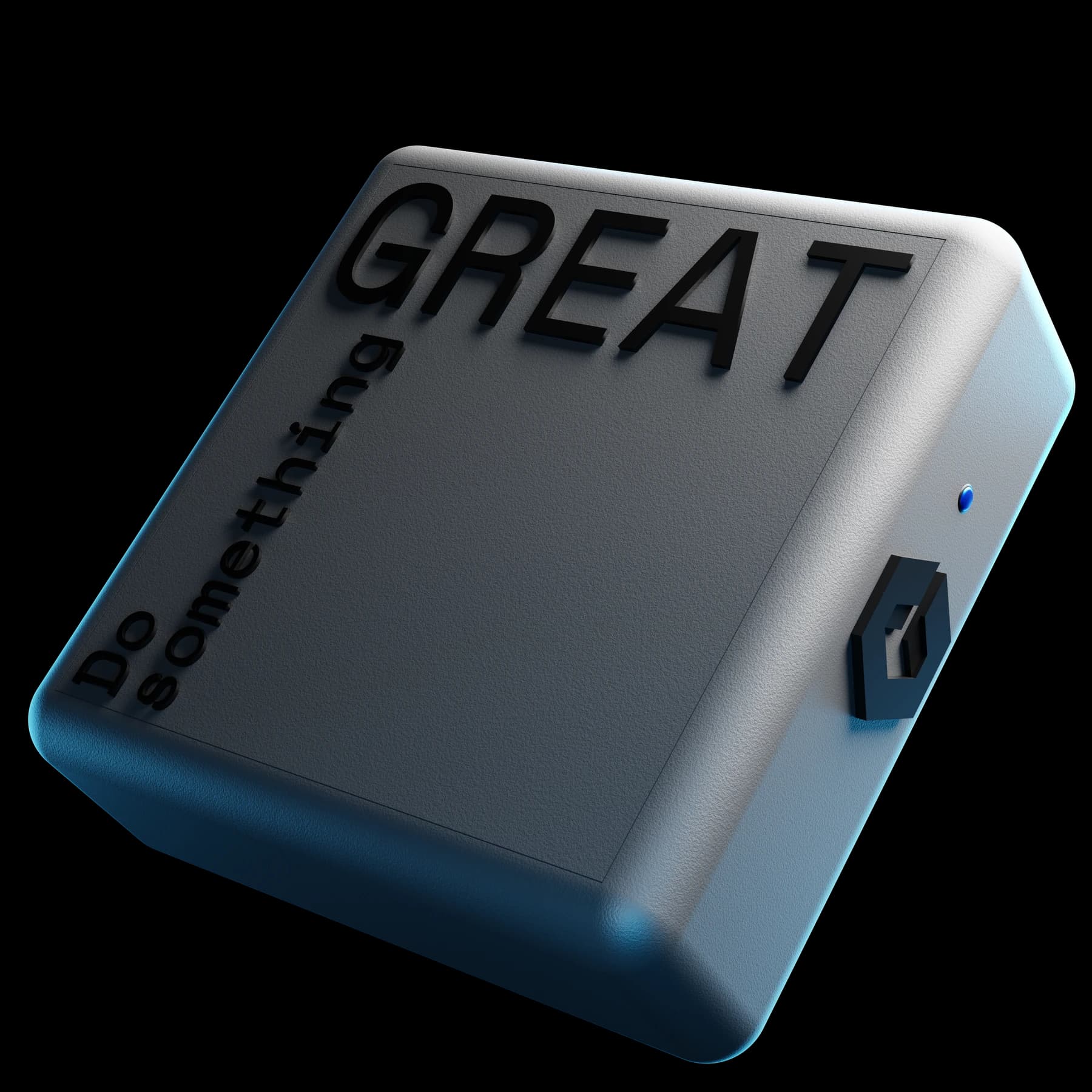
Set it to play or pause music, or trigger a chosen action, without opening your phone.
An adjustable Focus Zone. Step in and your selected distractions block automatically.
See your device status at a glance. Prefer it dark? Turn the light off.
One-month battery-life target. Recharge over USB-C, and keep using it while it charges.
USB-C port on the rear, out of view.A 70 × 70 mm footprint, soft corners and a tactile carbon composite shell.
ClearZone / FocusField
Dimensions shown are preliminary.
Put FocusField where your attention belongs.
ClearZone
Your FocusField device and USB-C cable. Pair with the ClearZone app and make your space a Focus Zone.
One-time purchase. No subscription.
Orders not open yet. No payment taken.
Your FocusField device and a USB-C charging cable. Set up your space with the ClearZone companion app.
Preliminary specifications, subject to final confirmation.
FocusField is preparing for a UK launch. Orders are not open yet. Delivery timing and returns information will be available before checkout opens.
FocusField is a small physical device that works with the ClearZone app. You choose distracting apps and set a Focus Zone. When your paired phone enters that zone, those distractions are blocked automatically. Other apps stay available.
Pair your phone through the ClearZone companion app, choose the apps you find distracting, and adjust your Focus Zone. After that, entering your space does the work. Only paired phones running the app are affected.
Yes. You decide which apps to block. Leave calls, messages, maps, music and authentication apps out of your blocked list and they stay available. You keep your phone and the parts of it you need.
Your selected restrictions lift shortly after you leave, approximately 15 seconds under the preliminary specification. The device senses your paired phone nearby, so the boundary is approximate rather than a precise line around a room.
NFC blockers commonly ask you to tap a physical object to change a session. FocusField uses proximity: entering and leaving your chosen space changes your restrictions automatically. You make the decision in advance; the space holds it.
Yes. Turn FocusField over for a break of up to five minutes. Flip it back to return to focus early, or let your zone resume automatically when the break ends. After a full five-minute break, wait twenty minutes before starting another with a fresh flip.
No. FocusField is a one-time purchase. The focus experience does not require a subscription or an internet connection.
You can adjust proximity from approximately 20 cm to 10 m in the preliminary specification. Walls, furniture and your phone can affect the range. Set the boundary for your actual space during setup.
Orders are not open on this storefront yet. The planned initial launch is for the UK. Confirmed availability, delivery dates and purchase terms will be shown before payment is enabled.
We believe every space should be able to shape the devices inside it. FocusField is our first step. A small object, designed to put your attention back where you want it.